Change Store Manager’s phone number
How to change the Store Manager’s phone number?

Written by Peppo
Published on 8/11/2020
Only Account Admin/Owner can change the Phone number as of now.
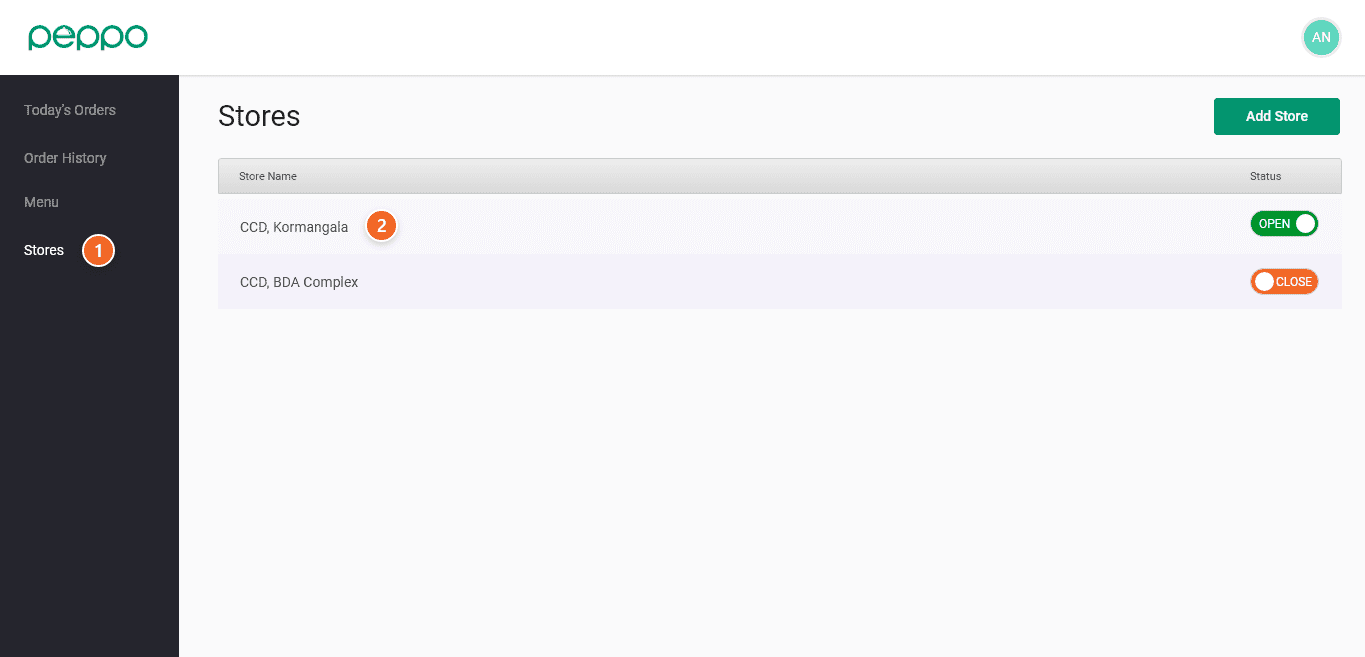
1 - Click on the Stores tab on the left panel.
2 - Click on the Store you want to edit
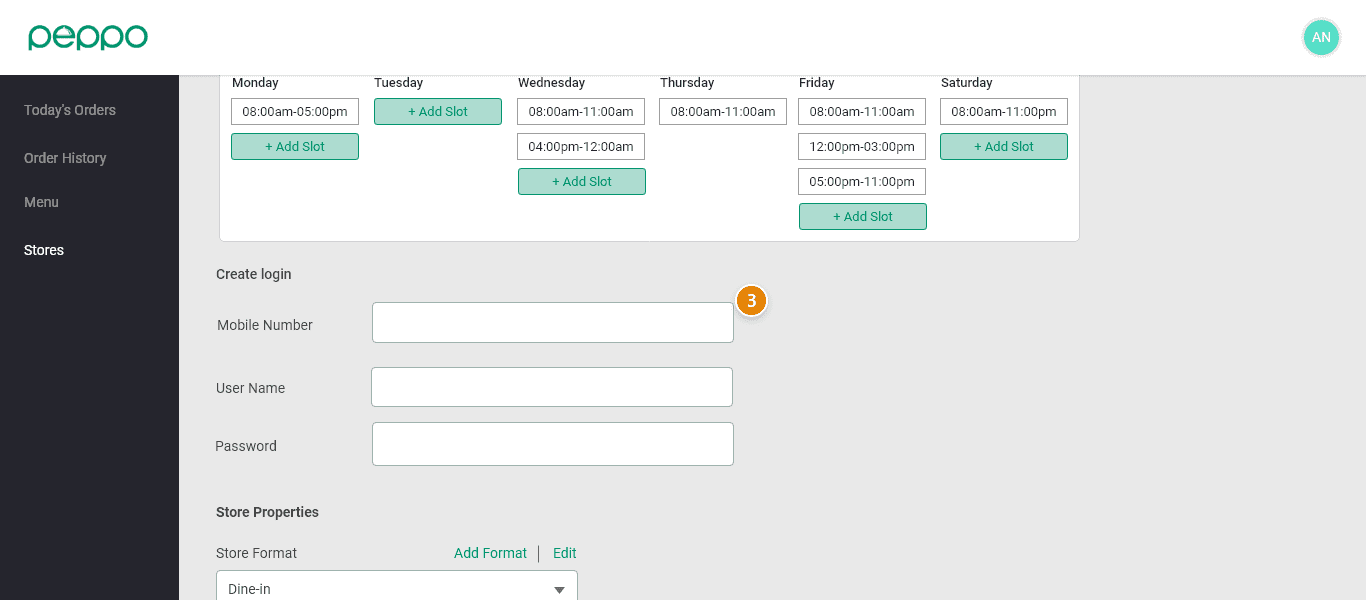
3 - Under Store Manager Details, edit the phone number and click on Save Changes to save the new number.