Add a new store
How to add a new Store?

Written by Peppo
Published on 10/27/2020
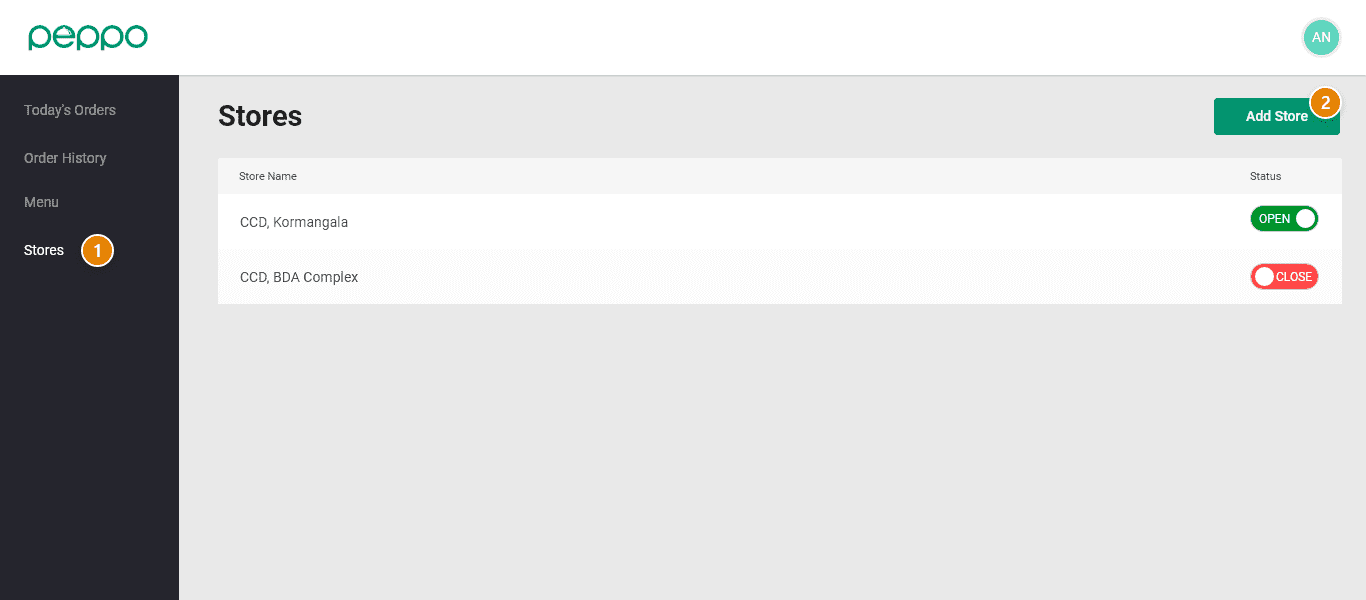
1 - Click on the Stores tab on the left panel.
2 - Click on the Add Store button on the top right as shown below.
3 - Fill in the details of your new store and click the Save changes button at the bottom of the page. Please click here for help in filling out the details.